

 Askme Training
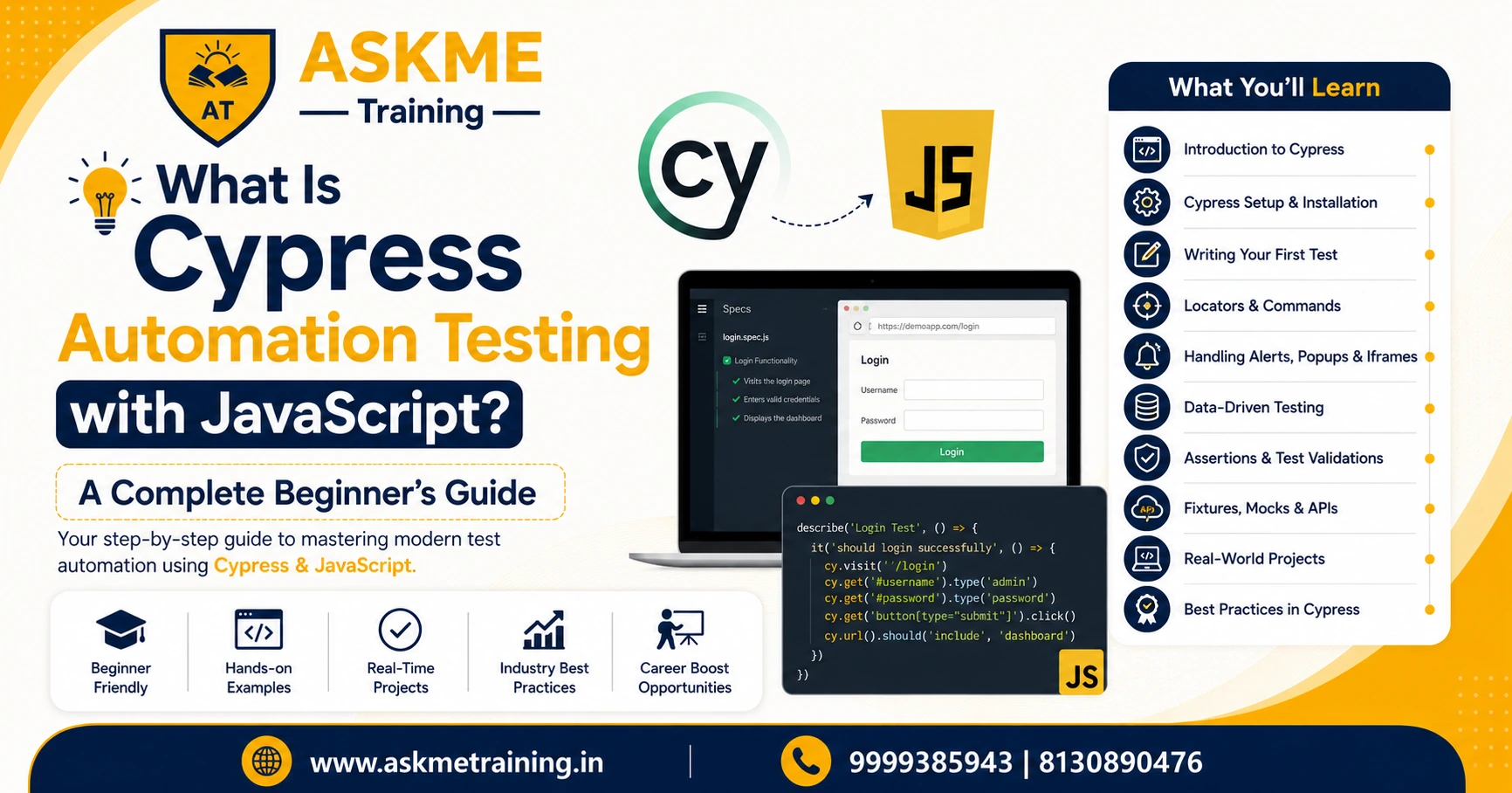
What Is Cypress Automation Testing with JavaScript? A Complete Beginner's Guide
- By Admin
- Posted on 08/06/2026
Imagine launching a website that looks perfect during development but crashes when users try important actions like logging in, making payments, or submitting forms. Such issues can lead to customer frustration, revenue loss, and damage to brand reputation.
This is where automation testing becomes essential. Among the many automation testing tools available today, Cypress automation testing with JavaScript has become one of the most popular choices for developers and QA professionals.
Whether you're a student exploring software testing, a fresher preparing for your first IT job, or a professional looking to upgrade your skills, understanding Cypress can open exciting career opportunities in the software testing industry.
In this beginner-friendly guide, you'll learn what Cypress is, how it works, its benefits, career prospects, and why companies are increasingly adopting it for modern web application testing.
What Is Cypress Automation Testing with JavaScript?
Cypress Automation Testing with JavaScript is a modern end-to-end testing framework designed specifically for testing web applications.
Unlike traditional automation tools that operate outside the browser, Cypress runs directly inside the browser, providing faster execution, better debugging capabilities, and a more developer-friendly experience.
Simple Definition
Cypress is a JavaScript-based testing tool that helps testers and developers automatically verify whether a website or web application is functioning correctly.
For example, Cypress can automatically:
- Open a website
- Enter login credentials
- Click buttons
- Validate page content
- Verify user workflows
- Detect bugs before deployment
This eliminates repetitive manual testing and improves software quality.
Key Features of Cypress Automation Testing with JavaScript
1. Fast Test Execution
Since Cypress runs directly inside the browser, tests execute quickly without unnecessary delays.
2. Automatic Waiting
One common challenge in automation testing is handling loading elements.
Cypress automatically waits for elements to appear, reducing flaky test failures.
3. Time Travel Debugging
Cypress captures screenshots during test execution.
This allows testers to review each step and identify exactly where failures occurred.
4. Real-Time Reloading
As soon as code changes are made, Cypress automatically reruns the tests.
This significantly improves developer productivity.
5. Easy Learning Curve
Anyone familiar with JavaScript can start writing Cypress tests relatively quickly.
6. Detailed Reports
Cypress generates detailed logs, screenshots, and videos for failed tests.
Step-by-Step Guide to Start Learning Cypress
If you're a beginner, follow this roadmap.
Step 1: Learn JavaScript Basics
Before learning Cypress, understand:
- Variables
- Functions
- Arrays
- Objects
- Loops
- DOM manipulation
JavaScript forms the foundation of Cypress automation.
Step 2: Understand Web Testing Concepts
Learn:
- Test cases
- Assertions
- Test scenarios
- Bug reporting
- Software Testing Life Cycle (STLC)
Step 3: Install Node.js
Cypress requires Node.js to run.
Install the latest version and verify the installation.
Step 4: Install Cypress
Use the command:
npm install cypress --save-dev
Step 5: Create Your First Test
Write a simple test that opens a website and verifies page content.
Step 6: Practice Real Projects
Build confidence by automating:
- Login pages
- Registration forms
- E-commerce websites
- Dashboard applications
Consistent practice is the fastest way to become job-ready.
Career Opportunities in Cypress Automation Testing
The demand for automation testing professionals continues to grow as companies accelerate digital transformation initiatives.
Popular Job Roles
- Automation Test Engineer
- QA Automation Engineer
- Software Test Engineer
- SDET (Software Development Engineer in Test)
- Quality Assurance Analyst
- Test Automation Consultant
Industries Hiring Cypress Professionals
- IT Services
- E-commerce
- Banking and Finance
- Healthcare
- EdTech
- SaaS Companies
- Startups
Professionals skilled in Cypress and JavaScript are increasingly sought after due to their ability to build reliable and scalable automation frameworks.
Cypress vs Traditional Automation Tools
|
Feature |
Cypress |
Traditional Tools |
|
Setup |
Easy |
Complex |
|
Speed |
Fast |
Moderate |
|
Debugging |
Excellent |
Limited |
|
Real-Time Execution |
Yes |
Limited |
|
JavaScript Support |
Native |
Varies |
|
Learning Curve |
Beginner Friendly |
Moderate |
For modern web applications, Cypress often provides a more efficient and user-friendly testing experience.
Common Mistakes Beginners Make
When learning Cypress automation testing with JavaScript, beginners often make these mistakes:
1. Ignoring JavaScript Fundamentals
Without JavaScript knowledge, writing effective test scripts becomes difficult.
2. Creating Unstable Selectors
Using dynamic element identifiers can cause test failures.
3. Skipping Assertions
Tests should always verify expected outcomes.
4. Not Following Best Practices
Poor test organization leads to maintenance challenges.
5. Lack of Real Project Experience
Practical implementation is essential for mastering automation testing.
Expert Tips for Learning Cypress Faster
Practice Daily
Even 30 minutes of consistent practice can produce significant improvement.
Work on Live Projects
Real-world scenarios improve problem-solving abilities.
Learn Git and GitHub
Version control is essential in modern QA environments.
Understand CI/CD Basics
Knowledge of Jenkins, GitHub Actions, and DevOps concepts adds value.
Build a Portfolio
Maintain automation projects that demonstrate your skills to employers.
Why Learn Cypress Automation Testing with JavaScript in Noida?
Noida has emerged as one of India's major technology hubs with hundreds of IT companies, startups, and multinational organizations.
Learning Cypress automation testing with JavaScript in Noida provides access to:
- Industry-oriented training
- Experienced mentors
- Practical projects
- Placement assistance
- Networking opportunities
- Growing IT job market
Students and professionals can benefit from hands-on training aligned with current industry requirements.
Frequently Asked Questions (FAQs)
1. What is Cypress automation testing with JavaScript?
Cypress is a JavaScript-based automation testing framework used for testing modern web applications quickly and efficiently.
2. Is Cypress easy for beginners?
Yes. Cypress offers simple installation, clear documentation, and an intuitive testing environment, making it beginner-friendly.
3. Do I need coding knowledge to learn Cypress?
Basic JavaScript knowledge is highly recommended for writing and maintaining test scripts.
4. Is Cypress better than Selenium?
Both tools have strengths. Cypress is generally easier to set up and debug for modern web applications, while Selenium supports a broader range of browsers and platforms.
5. What jobs can I get after learning Cypress?
You can pursue roles such as Automation Test Engineer, QA Engineer, SDET, and Software Test Engineer.
8. Can freshers learn Cypress automation testing?
Absolutely. Cypress is an excellent starting point for freshers entering software testing and quality assurance careers.
Conclusion
As businesses continue building sophisticated web applications, automation testing has become a critical part of software development. Cypress automation testing with JavaScript offers a modern, fast, and efficient approach to ensuring application quality.
Its beginner-friendly nature, powerful debugging capabilities, and growing industry adoption make it one of the most valuable automation testing skills to learn today. Whether you're a student, fresher, or working professional, mastering Cypress can significantly enhance your career prospects in software testing and quality assurance.
Start Your Automation Testing Career with Askme Training Institute
Ready to become a skilled automation testing professional?
At Askme Training Institute, we provide industry-focused training in Cypress Automation Testing with JavaScript through expert-led sessions, hands-on projects, real-world case studies, and placement-oriented guidance.
Why Choose Askme Training Institute?
- Practical live projects
- Experienced industry trainers
- Job-oriented curriculum
- Interview preparation support
- Placement assistance
- Flexible learning options
Book a free demo session today and take the first step toward a successful automation testing career.
Contact Askme Training today and start building the skills employers are actively looking for.
